
Secure Encrypted USB Drive — PIN and Fingerprint
A solution for storing and transporting classified data between organisations, with hardware encryption so that data remains absolutely secure even if the device is lost or stolen.
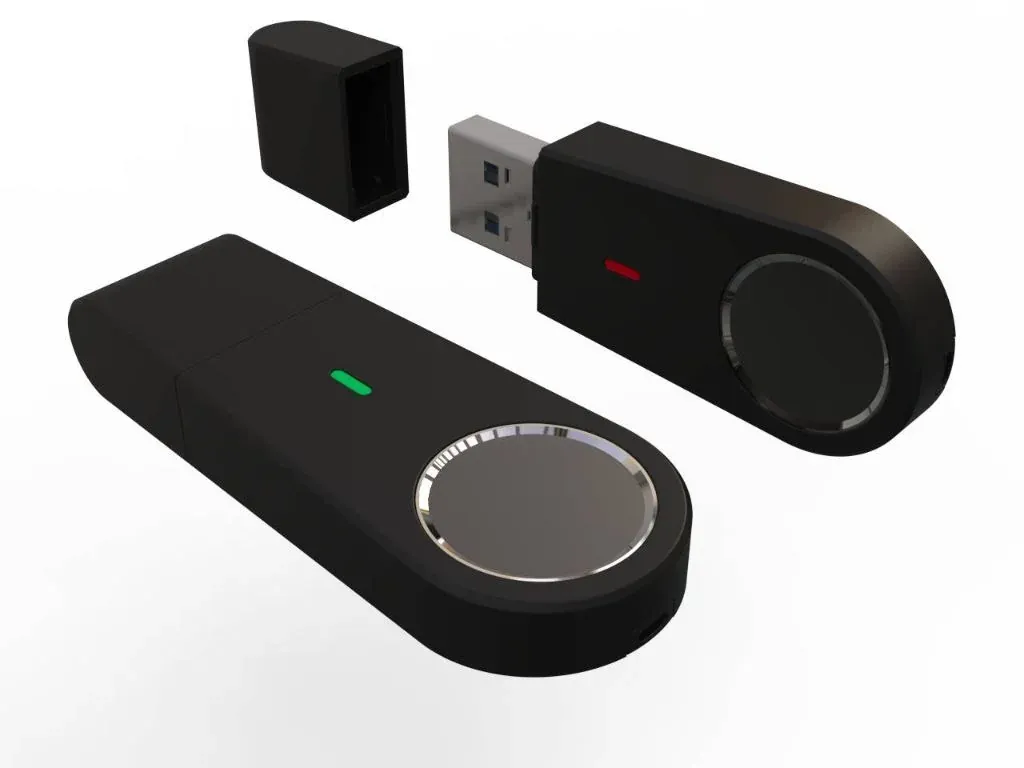
Highlights
What sets it apart.
AES 256-bit XTS hardware encryption, resistant to password-guessing attacks
FIPS 140-3 Level 1 certified — the US government security standard for encryption devices
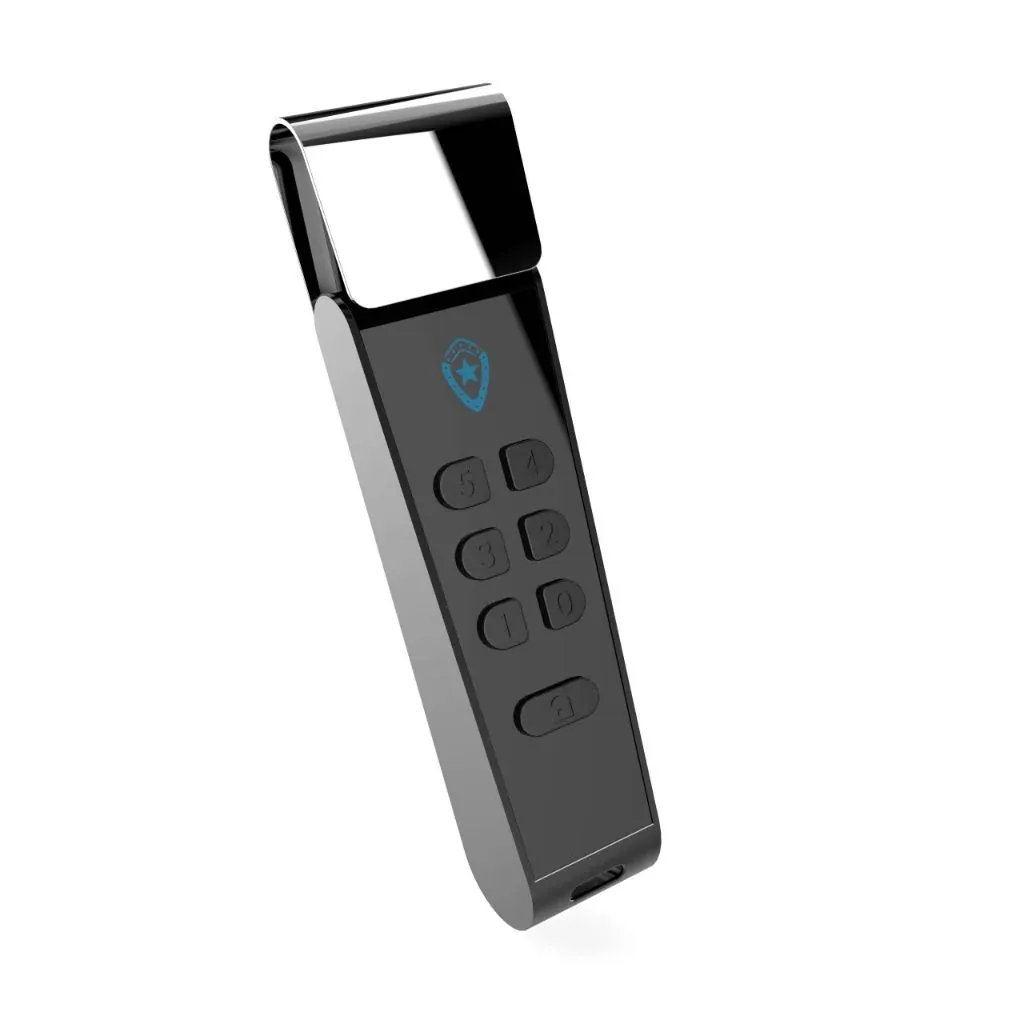
PIN version protected by an on-device keypad, with no software required and cross-platform compatibility
Fingerprint version with one-touch biometric authentication, storing up to 10 fingerprints
Automatically prevents virus and ransomware infection on the device
Overview
Secure Encrypted USB Drive — PIN and Fingerprint
Why hardware encryption
Encryption software runs on the host computer, so if that computer is already infected with malware, the decryption key can be stolen the moment the user enters it. Hardware encryption keeps the entire key and the encryption process inside the device itself — the host computer never sees the key.
The practical result: plugging the USB drive into an unfamiliar computer is still safe, and losing the device does not mean the data is exposed.
Two unlocking methods
- On-device PIN — a numeric keypad on the body of the USB drive. No software installation is needed, so it works with any operating system, including computers without installation rights.
- Fingerprint — one-touch unlocking, storing up to 10 fingerprints for cases where several people are granted access.
FIPS 140-3 certification
FIPS 140-3 is the US National Institute of Standards and Technology standard for cryptographic modules. Certification means the cryptographic design has undergone independent validation and is not merely a manufacturer’s claim — a point worth noting when preparing technical appraisal documentation.
Technical images
Dimensions and imagery.
Specifications
Technical specifications.
- Encryption standard
- AES 256-bit XTS, hardware encryption
- Certification
- FIPS 140-3 Level 1
- Authentication methods
- PIN on the device keypad or fingerprint
- Stored fingerprints
- Up to 10
- Compatibility
- Cross-platform, no software installation required
- Malware protection
- Automatically prevents virus and ransomware infection
- Capacity
- To be updated
Use cases
Where it is deployed.
- Storing and transporting classified documents between government agencies
- Protecting data in the national security sector
- Securing medical records and financial data
- Protecting business documents and personal data
Same product group
Data storage and security
Contact
Need a solution for your organisation?
NST’s engineering team is ready to discuss your operational requirements, integration approach and deployment conditions.